
The Beck Tech Training Portal is available to all DESTINI users who want to participate in step-by-step lessons for DESTINI products. With a mix of both video and written content, these lessons serve up a series of intuitive exercises designed to help new and experienced users get comfortable working with DESTINI products.
This article offers an overview of how to get access to the Beck Tech Training Portal, and how to find a lesson and start learning.
NOTE: In March 2026, this article was updated to reflect some small changes made to the Beck Tech Training Portal as a result of an update to the underlying systems that power the website.
Users may notice some minor changes to the look of the site - the Learn page, for example, is now called Explore - but the overall user experience is largely unchanged, so those familiar with the platform can continue to access their available training content in the same way as before.
Sign Up For Training Access
All new DESTINI users should be issued an account for the Training Portal as a matter standard procedure. Users will receive an invite via email to complete their registration. Look out for an email from 'Seismic Learning'.
If you or members of your team don't have access to the Beck Tech Training Portal, please email training@beck-technology.com with a list of team member names (here's a file to speed up the process), and we'll get you set up.
Issues Getting Access?
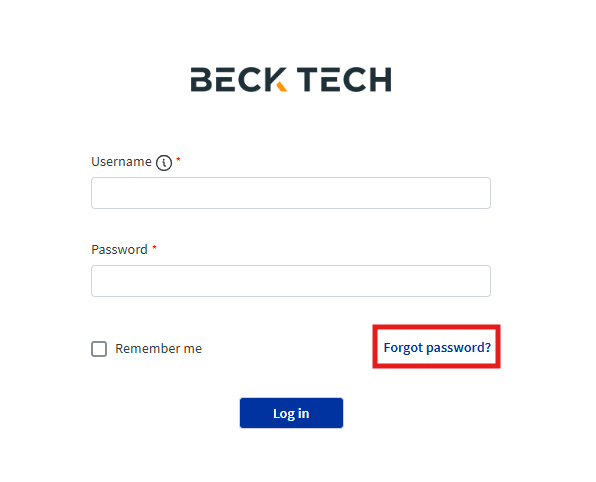
IMPORTANT: The invite email containing a link to register expires in 24 hours. Users should complete their registration as soon as possible after receiving the invite email. If your invite expires, you can use the 'Forgot password?' link on the training homepage to set a password and gain access.
-
All new DESTINI users should be issued an account for the Training Portal as a matter of standard procedure. Users will receive an invite via email to complete their registration. Look out for an email from 'Seismic Learning'.
-
If you or members of your team don't have access to the Beck Tech Training Portal, please email training@beck-technology.com with a list of team member names (here's a file to speed up the process), and we'll get you set up.
Navigating the Training Portal
Click here to navigate to the Training Portal homepage.
After you sign in to the Beck Tech Training Portal you will arrive on the Explore page, where you can access all the training topics that are currently available to you. Beck Tech manages access to specific courses on a per-user basis. Some of the topics may not be available to you because you may not be a DESTINI Admin or Bid Day user.
On the left is a User Profile window with an overview of your completed assignments. Click on your name to navigate the My Profile page, where you can track lessons that have been assigned to you, as well as Self Directed lessons that you have participated in. See the video below:
Various courses are grouped together under Topics. Click into the Topic cards to access all of the certifications available for your login credentials.
Our Basic Training is available in the topic called 00-Beginner: Start Here!. After completing Basic Training, learners can progress through the numbered topics to expand their skillset and practice more in DESTINI products.
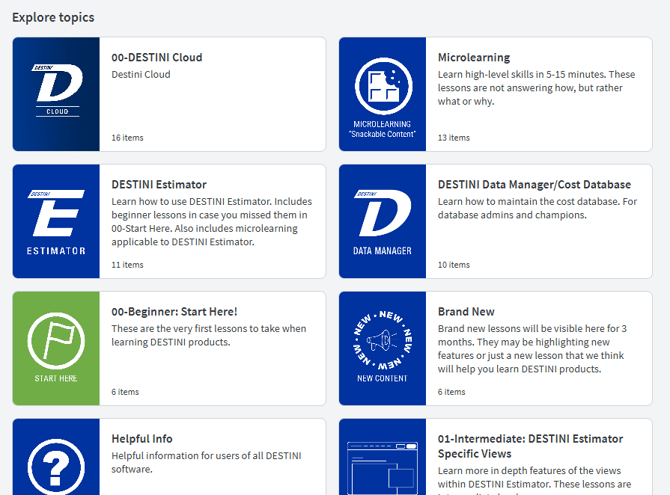
Most of the lessons in the Training Portal are long form step-by-step lessons. These long form lessons are meant to provide extensive direction on how to use DESTINI products.
However, you can also find several Microlessons. These lessons are intended to take between 5-15 minutes to complete, and target specific workflows with a brief and concise explainer.
We are always looking for ways to improve our training portal and our content. If you have ideas for new lessons, or for improvements to a current lesson, please share your ideas with us by emailing training@beck-technology.com or completing this form.
Submit Your Suggestions to Help Improve This Article