
A recent bug fix corrected problems with inconsistent overline values after reopening an estimate or creating a new version of an estimate. Specifically, the fix addressed a problem in multi-user collaborative environments where overline values could intermittently change or reset to unexpected totals after an estimate was closed and reopened.
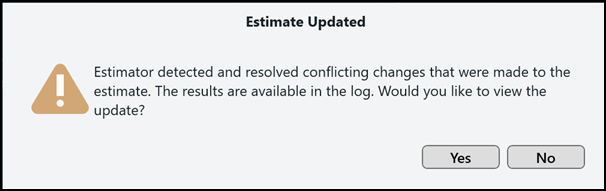
As a result of this fix, Estimator removes duplicate overline values and displays the following message:
Estimate updated: Estimator detected and resolved conflicting changes that were made to the estimate. The results are available in the log. Would you like to view the update?
The log file then displays information similar to the following: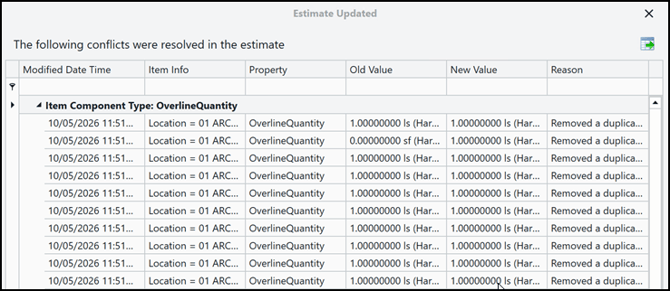
To complete the update and correct the overline values issue, you must save the estimate.
-
Either click Yes to open the log, view the changes, and then click Save to update the estimate.
-
Or, click No and then click Save.
No data in the estimate was lost or is being changed. The fix only removes overline data that was automatically duplicated by the DESTINI Estimator update.