The Beck Tech Training Portal provides DESTINI users with access to self-paced learning programs for DESTINI products. Through a combination of video tutorials, written guidance, and hands-on exercises, the portal helps new and experienced users build proficiency and confidence using DESTINI products.
Request Access to the Training Portal
New DESTINI users are typically provided access to the Training Portal as part of the onboarding process. When your account is created, you'll receive an email invitation from Seismic Learning with instructions for completing your registration.
If you or members of your team have not received access to the Beck Tech Training Portal, contact training@beck-technology.com and include the names and email addresses of the users who require access. Our Training team will review your request and help get your accounts set up. To add multiple new users, we recommend entering user information in the following file before contacting Beck Tech: CLIENT_User Names.csv.
The registration link expires 24 hours after the invitation email is sent. Complete the registration process as soon as possible to avoid needing a new invitation.
If you were issued a training account, but didn't receive the registration email (or if it has expired), click 'Forgot password?' and follow the steps to reset your password using your Company email.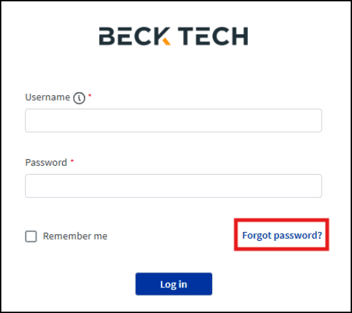
After requesting a password reset, if you don't receive an email, you may need to add *seismic.com to your Allowlist (whitelist) to bypass spam filters. The dedicated IP address for auto emails from the Learning platform is: 167.89.73.35. Contact your IT admin for assistance with this.
Navigating the Training Portal
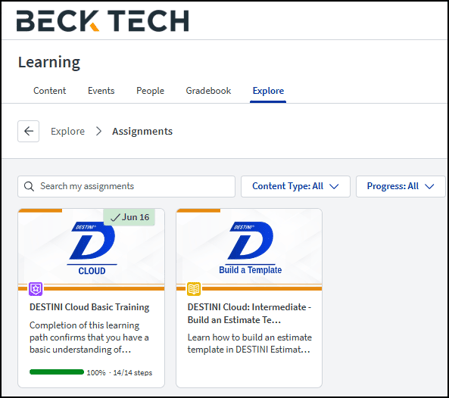
After you sign in to the Beck Tech Training Portal, the Explore page displays training content currently available to you. Access to specific courses is managed on a per-user basis. As a result, some training topics may not be available depending on your role and product access. For example, courses intended for DESTINI Administrators or DESTINI Bid Day users may not appear in your catalog.
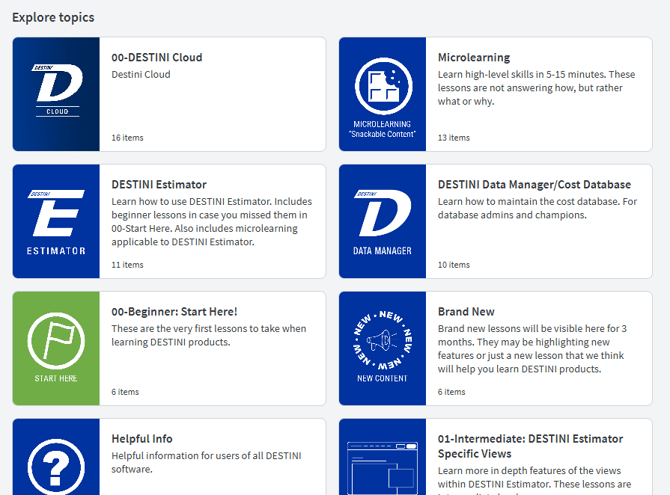
Multiple courses are grouped together under Explore Topics. Click a topic card to access all of the certifications available for your login credentials.
Basic Training is available in the topic called 00-Beginner: Start Here! After completing Basic Training, you can progress through the numbered topics to expand your skillset and practice more in DESTINI products.
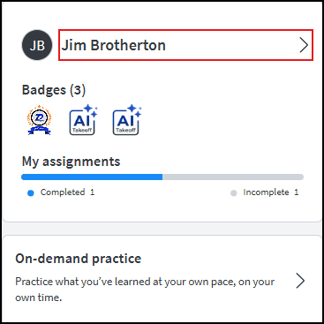
The User Profile panel on the left provides a summary of your training activity and completed assignments. Select your name to open the My Profile page.
 ,
,
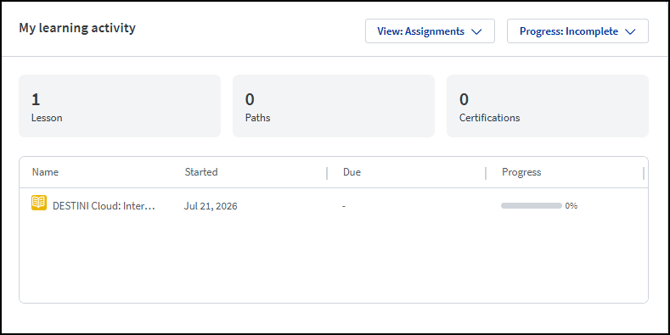
On the My Profile page, view assigned training, track your progress, and review any Self-Directed courses you have completed.