
Working with Dashboards in DESTINI Cloud
Overview
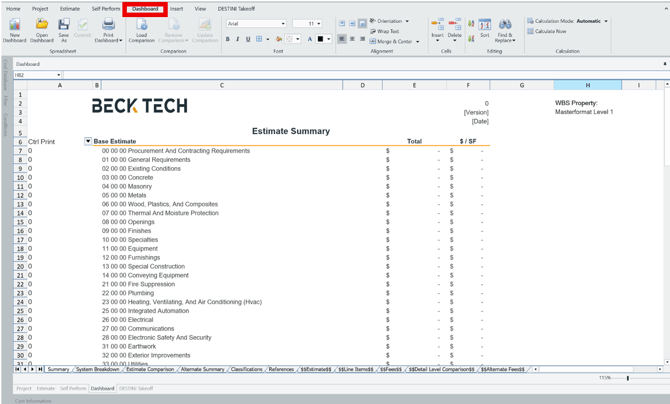
The Dashboard View in DESTINI Cloud is a built‑in, spreadsheet‑based workspace used to review, analyze, compare, and share estimate information at a high level.
Dashboards use an embedded workbook experience within DESTINI Cloud. Estimate data is automatically pulled into predefined sheets, allowing you to view totals, summaries, and comparisons without rebuilding calculations.
Dashboards are intended for reporting and analysis only. Estimate costs are built and calculated in the Estimate View, not within dashboards. Dashboards reflect estimate data but do not change estimate calculations.
When to Use Dashboards
Dashboards are well suited for:
- Reviewing high‑level cost summaries
- Preparing information for stakeholder discussions
- Comparing multiple estimates side by side
- Printing or exporting summary views for sharing
Dashboard views update automatically as estimate data changes. However, spreadsheet‑level edits made directly in the Dashboard require an intentional Commit action before they are published.
What Dashboards Can Summarize
Depending on the available sheets and dashboard configuration, dashboards can summarize estimate data by:
- WBS Properties
- Fees
- Project Properties and Estimate Properties
- Estimate comparisons
All values shown in dashboards use the same cost definitions as the Estimate View, including:
- Aggregate Cost
- Burdened Cost
- Total Cost
This ensures consistency between the data built in the estimate and what is reviewed in the Dashboard View.
DESTINI Cloud Standard Dashboards
The Standard Dashboard included with DESTINI Cloud contains the following dashboards:
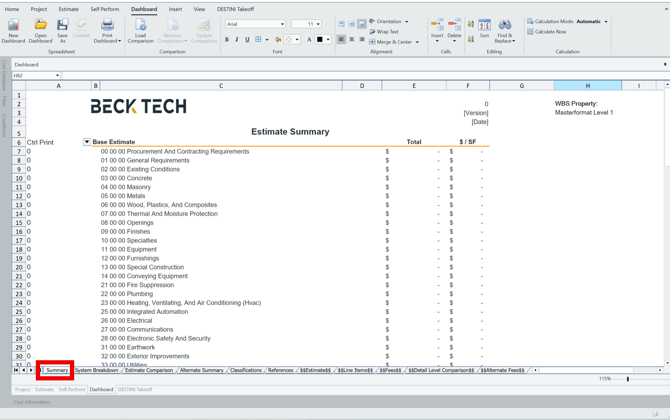
Summary Dashboard
Provides a one‑level WBS Property summary of the estimate, including:
- Base Estimate
- Indirect Costs
- Accepted Alternates
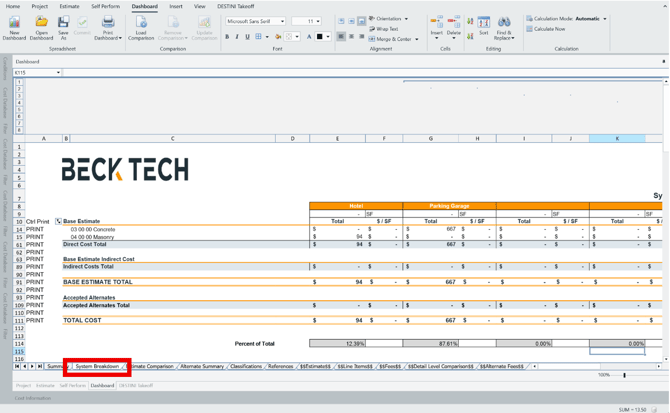
System Breakdown Dashboard
Provides a system‑ or area‑based breakdown of estimate costs. The estimate is summarized using a single‑level WBS Property and includes:
- Base Estimate
- Indirect Costs
- Accepted Alternates
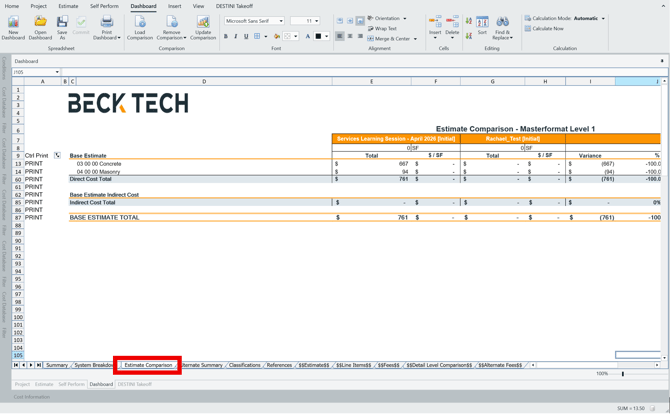
Estimate Comparison Dashboard
Compares multiple estimates side by side. Data is summarized using a single‑level WBS Property and includes:
- Base Estimate only
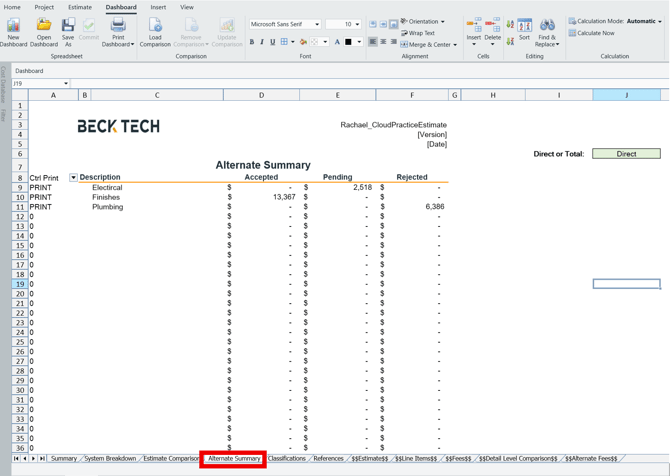
Alternates Summary Dashboard
Displays all Alternates in the estimate along with their assigned statuses, allowing for a high‑level comparison of alternate impacts.
Using Custom Dashboard Templates
DESTINI Cloud supports custom Dashboard templates created in Microsoft Excel. These templates allow organizations to design dashboards that include:
- Custom formulas
- Charts and visual summaries
- Company‑specific reporting layouts
Once opened, the Excel template becomes the active Dashboard workbook within DESTINI Cloud.
Tip: Any changes to formulas or layout should be made directly in Excel before opening the workbook in DESTINI Cloud.
Collaborative Workflow and Commit Changes
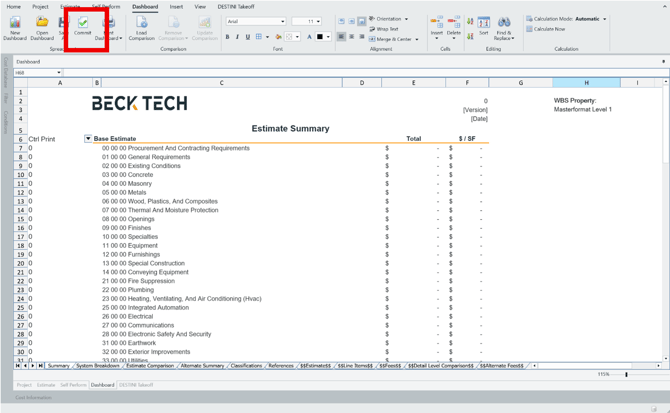
The Dashboard View includes a Commit Changes button that controls when spreadsheet‑level edits are intentionally published.
- Dashboard views update automatically for review and analysis
- Spreadsheet edits remain local until committed
- Selecting Commit Changes publishes updates for dashboards, exports, and estimate comparisons
This workflow supports collaboration by ensuring that:
- Changes are intentional
- Other users see a consistent, committed version of the dashboard