
To search your Estimate View for a particular cost item, we use the Search Panel.
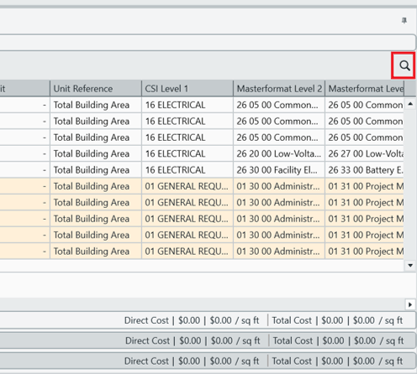
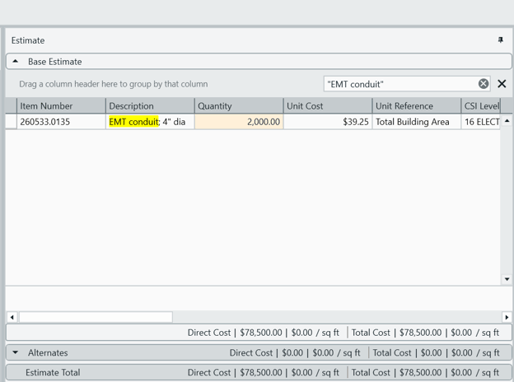
Click the magnifying glass and the panel appears. To find specific items use double quotes around the text. The search bar looks for both line-items and WBS properties in the Estimate View. The Estimate View will display any fields that meet search criteria.
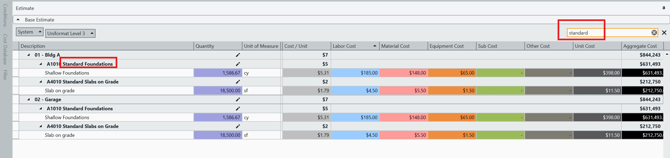
Note: WBS properties in headers will not highlight.
LINK: See Similar article - Advance search and filtering in the Estimate View
Suggest an Improvement for this Article