
DESTINI Estimator can represent zero in several different formats, depending on your preference.
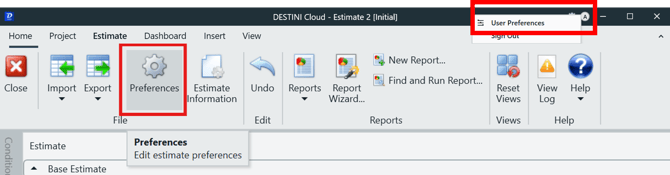
You can reach the Preferences through the Avatar initial icon in the title bar, then choose User Preferences, or you may go to the Home tab on the left side of the ribbon to access the Preferences button.
Pressing this button opens various user-specific options for Estimator, included in these options is “Show Zero As”.
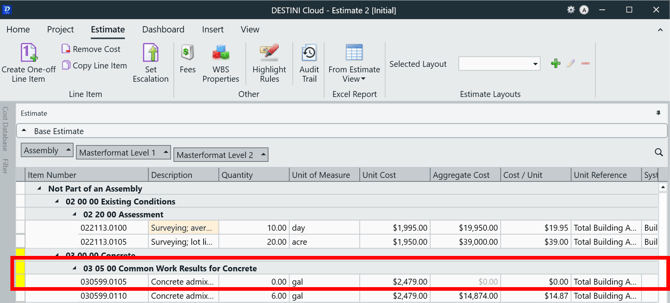
Zero can be represented in three ways in Estimator. A Blank, Hyphen, or by the numerical character 0.
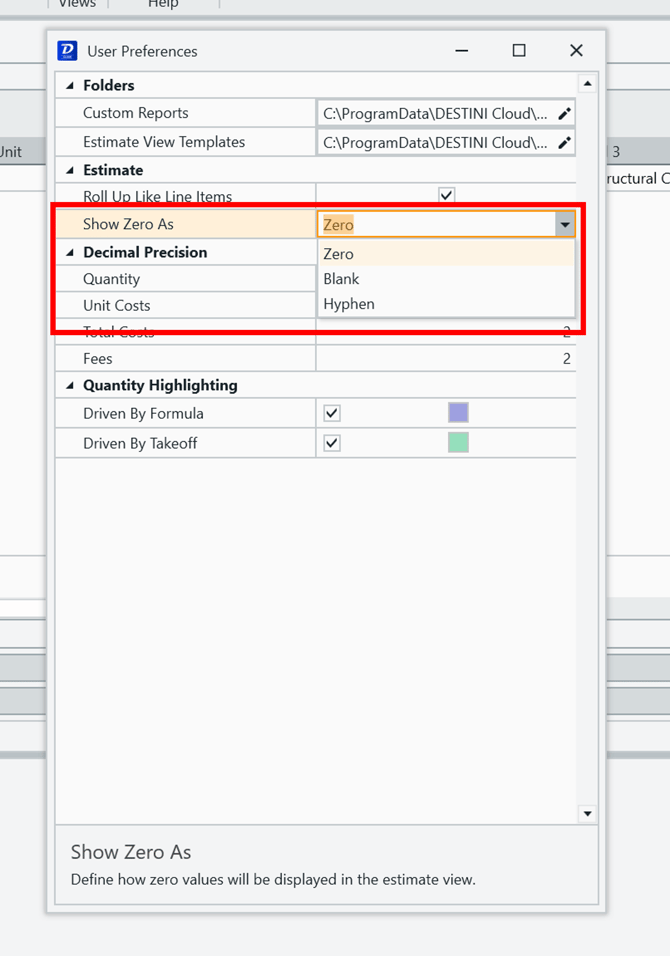
Note: This will not affect zeroes in WBS properties or item numbers.
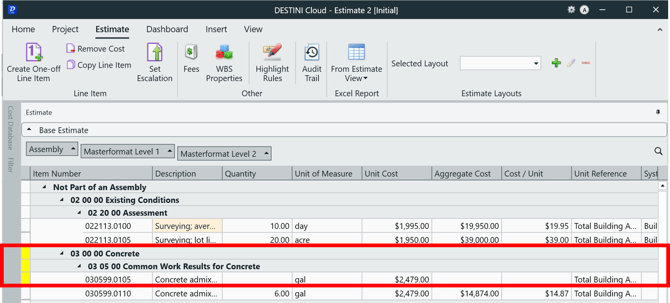
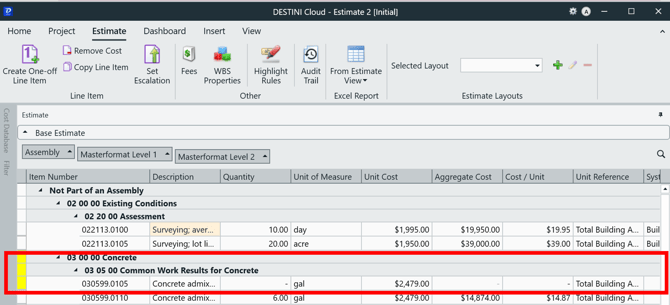
Here are examples of each option:
Blank
Hyphen
Zero
Suggest an Improvement for this Article