
Bid Day aims to make locating your projects easy via a combination of search, filters and recent lists. These options are split over two main tabs, MY RECENT PROJECTS, and ALL PROJECTS (click to skip to the relevant section of this article).
MY RECENT PROJECTS
My Recent Projects is the default screen for locating your projects on the Bid Day Home screen. It will only display projects that you created or have previously opened.
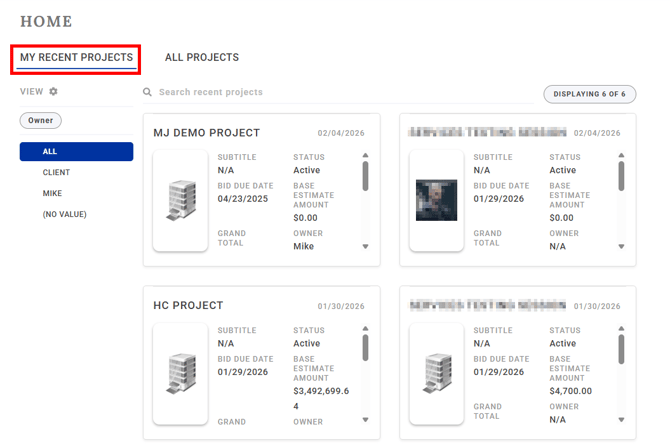
-
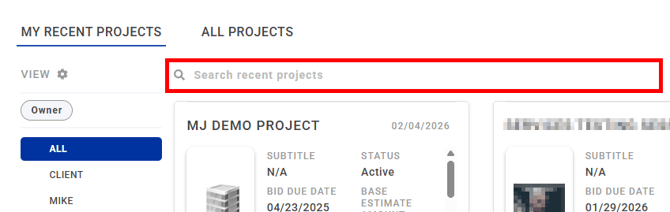
Use the search bar to locate a specific project by name.
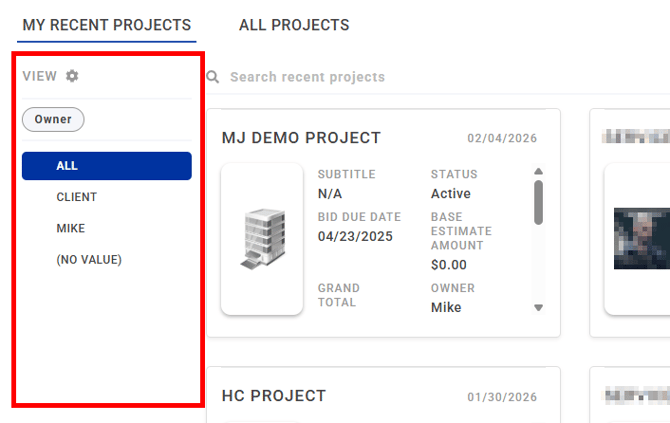
- The filter column on the left allows you to display projects filtered by Architect, Owner, City, or State.
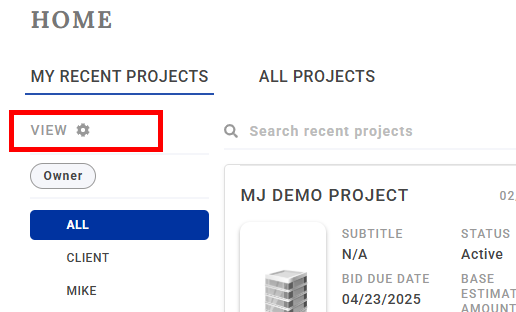
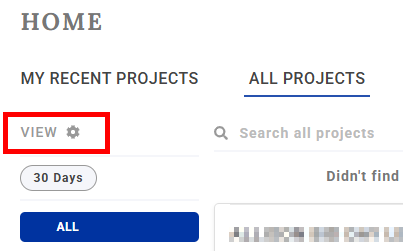
- You can configure which data to filter on by clicking on the View settings button.
ALL PROJECTS
As implied, here is where you can search all projects, including those that you did not create and have never opened.
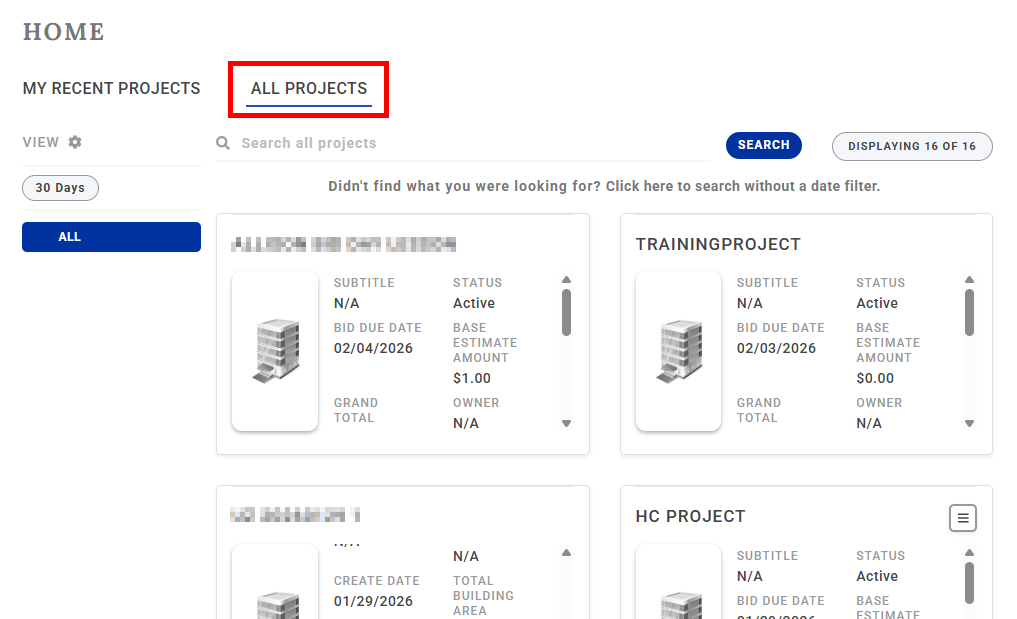
-
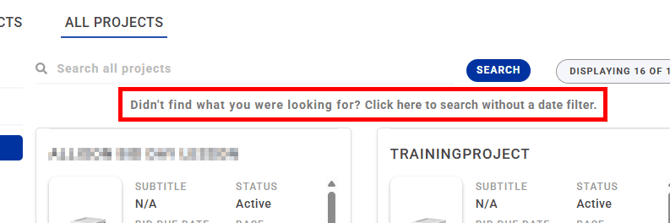
IMPORTANT: By default, the ALL PROJECTS tab filters projects to the last 30 days. If you would like to search with no date restriction, click on the option 'Click here to search without a date filter'.
- The View settings button lets you further configure filters.
- You can extend the date filter out to 60 or 90 days, as well as define a filter parameter (Architect, Owner, City, or State), which will list the chosen parameter in the filter column.
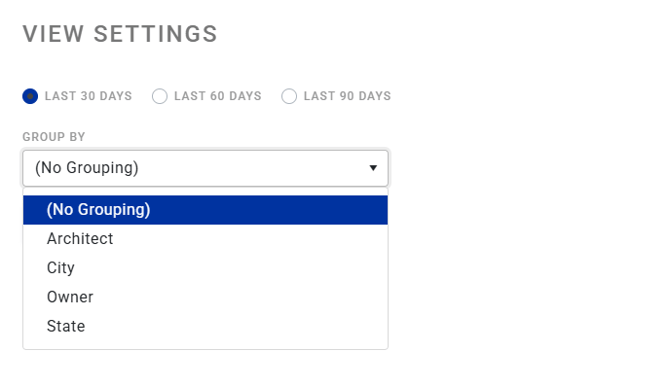
NOTE: Filter settings are user-specific. Your filter options will not affect other users.